Veritas Primary Academy


Parents and Carers
Online Safety
With the increasing use of technology in everyday life, it is essential that all children become confident and safe users of the internet and other technologies. Children are taught E-Saftey rules and expectations as soon as they start at Veritas, and are reinforced regularly through lessons, assemblies and theatre groups.
Underpinning the curriculum, are the SMART rules which are reinforced in school:
SAFE
Keep safe by being careful not to give out personal information when you're chatting or posting online. Personal information includes your email address, phone number and password.
MEETING
Meeting someone you have only been in touch with online can be dangerous. Only do so with your parents' or carers' permission and even then only when they can be present. Remember online friends are still strangers even if you have been talking to them for a long time.
ACCEPT
Accepting emails, IM messages, or opening files, pictures or texts from people you don't know or trust can lead to problems - they may contain viruses or nasty messages!
RELIABLE
Someone online might lie about who they are and information on the internet may not be true. Always check information with other websites, books or someone who knows. If you like chatting online it's best to only chat to your real world friends and family
TELL
Tell your parent, carer or a trusted adult if someone or something makes you feel uncomfortable or worried, or if you or someone you know is being bullied online.
Below is more information regarding how you can keep children safe online.
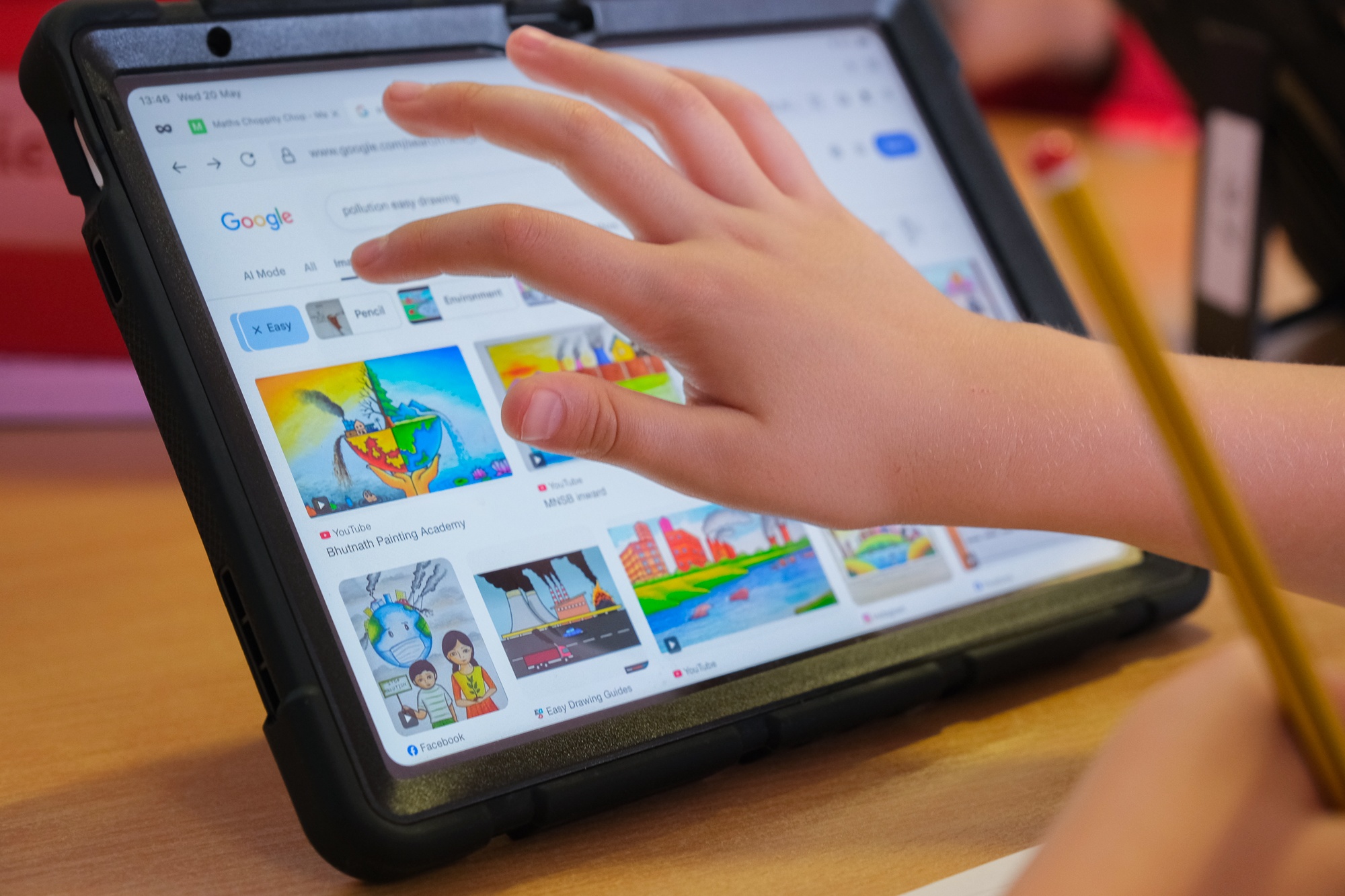
Staying Safe Online at Home
Many young people are very anxious regarding how their parents may react if they are made aware of their activity online. In many instances, this prevents children/young people from speaking out when something is happening to them online. It is important that, whilst children are made aware of boundaries to their behaviour and advised how to keep themselves safe, they are also made aware that it is never too late to tell somebody if something goes wrong.
We have the following advice for parents in order to make the online experience for children as safe as possible:
- Encourage child/ren to think of an adult that they can trust to tell if somebody is frightening, upsetting or hurting them. This could be a parent, teacher, youth club worker or an agency like CEOP. Please emphasise to them that the main aim of that person will be try to keep them safe and to stop the behaviour that is causing them to be frightened or upset.
- If possible, remove or disable any webcam facility on the computer being used by the child/ren. Only reinstall this at times when a trusted adult is able to supervise their use of it.
- Parents should have access to all of their child’s online accounts and control the passwords. This includes email, Facebook, Skype and MSN etc. In addition, we encourage parents to routinely review children’s internet accounts to ensure that they are not placing them at risk or are not being exploited by way of their activities online.
- When children are considering using a new game, website or application, we encourage parents to check the terms of service for that game, etc. to ensure they are fully informed of the nature of the provision (i.e. are there live chat facilities/webcam etc provided) and so they are sure their child meets the minimum age requirements. Children must be aged 13 years and above to hold a Facebook account and other websites used by children will also have minimum age restrictions.
- Remember that internet connection is included within smartphones, tablets, ipods, laptops and games consoles, not just computers, so the same precautions should be taken with them.
- We would also suggest parents link all of their child’s accounts, including emails, to their own. This means any emails their child gets, they will also get, which should warn them if their child registers for inappropriate websites or is in receipt of any suspicious contact.
- We advise children not to talk to anyone online that they do not personally know offline. This is sometimes made difficult due to the nature of games such as MMOs or other online communities, so we encourage children not to move people across platforms (i.e. from games to Facebook or from Facebook to Skype) unless they are known to them in real life.
- Parents should discuss the online identities that their child uses when online. Advise them of the risks in which they may place themselves if they portrays themselves as being older or if they create online personas that include suggestive nicknames, their own name and or age i.e. [email protected] or [email protected]. CEOP are often able to identify young people who come to notice, solely by the information they share within chats and their user names/online identities.
- SPAM – is really common among users. This type of message is computer generated and it is almost impossible to find its source. Unfortunately, there is little that we at CEOP can do to stop it. Some messages request that a credit card is used to prove identity, under no circumstances should you disclose this information. I recommend that first of all, your child changes the passwords on their accounts and keeps them private at all times. It’s best to tell their contacts to do the same, as they could all be sending it to each other without knowing. It’s best they do not add anyone that they do not know to their instant messenger contacts, as this will make them more vulnerable to this type of thing. our child should block this contact and not accept them as a friend. It’s a good idea, that if they come across it again, they close the window straight away. Sometimes, replying to anything at all will let the SPAM know that your account is active, so they will keep sending it to you. The best way to avoid this type of message is to close their account and reopen a new one with a new online address but we recognise that this is not always convenient. This would stop the messages appearing on their account, or those that were contacts.
We also recommend that parents and children have a look at www.thinkuknow.co.uk.
This is a CEOP website that has separate sections for parents and young people and has some great tips on how to stay safe online. In March 2019 released their new online safety education for 4-7-year-olds called Jessie and Friends.
Jessie & Friends is a series of three animations that follow the adventures of Jessie, Tia and Mo as they begin to navigate the online world, watching videos, sharing pictures and playing games.